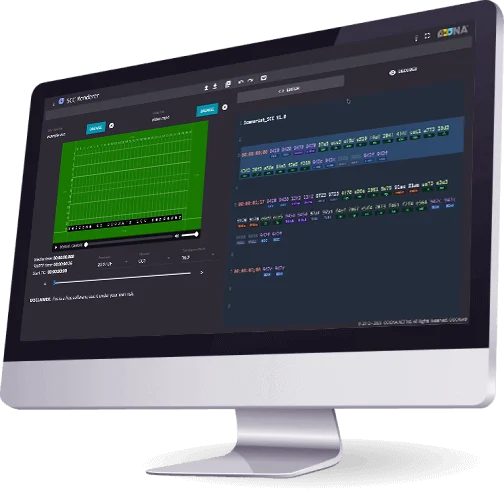
OOONA’s TTML Renderer is a free browser-based tool for previewing and troubleshooting TTML and IMSC subtitle files. Built on the updated version of Sandflow’s IMSC1 Renderer, it gives you a preview of your subtitles against a green screen or a locally stored video without installing any software. A built-in XML editor updates the preview as you type and helps you troubleshoot any issues within your TTML files and fix them on the fly.
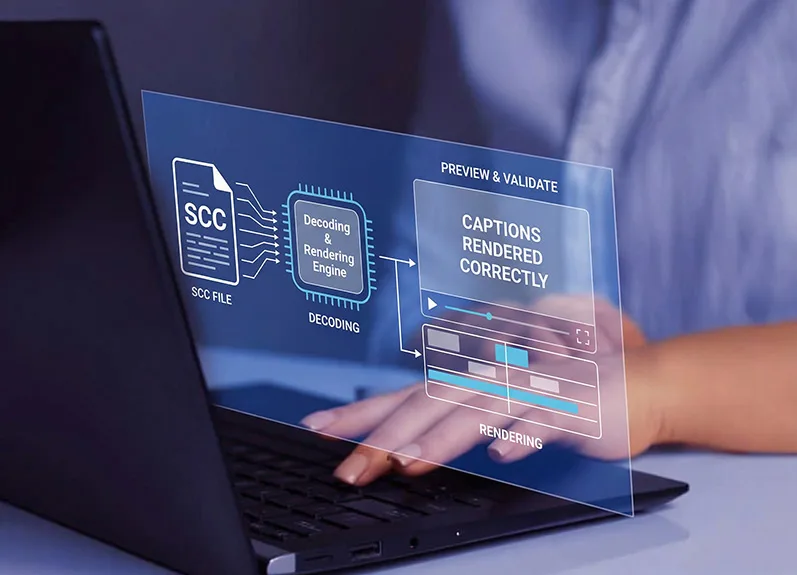
Accurate Preview Decode SCC files and preview how your captions will render in TV and web player environments before committing to a final output.
No Installation Required The tool runs directly in your browser. Nothing to download or configure.
Simple Issue Detection Identify formatting and compatibility problems before the captions are embedded in video, saving time downstream.
Built for Professionals Designed for captioners, accessibility teams, and broadcast engineers.
Hotkeys
The tool supports keyboard shortcuts to allow you to quickly search, replace text and jump between events, and keep your workflow fast:
← → Move between events (when focus is outside the editor)
Ctrl+F Search for text
Alt+G Jump to a specific line
Support
SCC Renderer is part of a growing collection of free tools provided by OOONA to support the captioning and media localization community. We hope it becomes an effective part of your QC workflow, to validate SCC files, catch formatting and compatibility issues early, and deliver clean caption files with confidence. All Timed Text Lab tools are actively maintained and improved.